
Install Starter Kit & Theme packages
Step 1 — A
If you would like to install each Starter Kit & Theme individually, continue with Step 1 — A, alternatively, if you would like to install all themes in one go then jump to Step 1 — B.
Open the command line in the root directory where you have installed Umbraco CMS and uSkinned Site Builder. Now, run the following command:
dotnet add package uSkinnedSiteBuilder.StarterKit.Shop
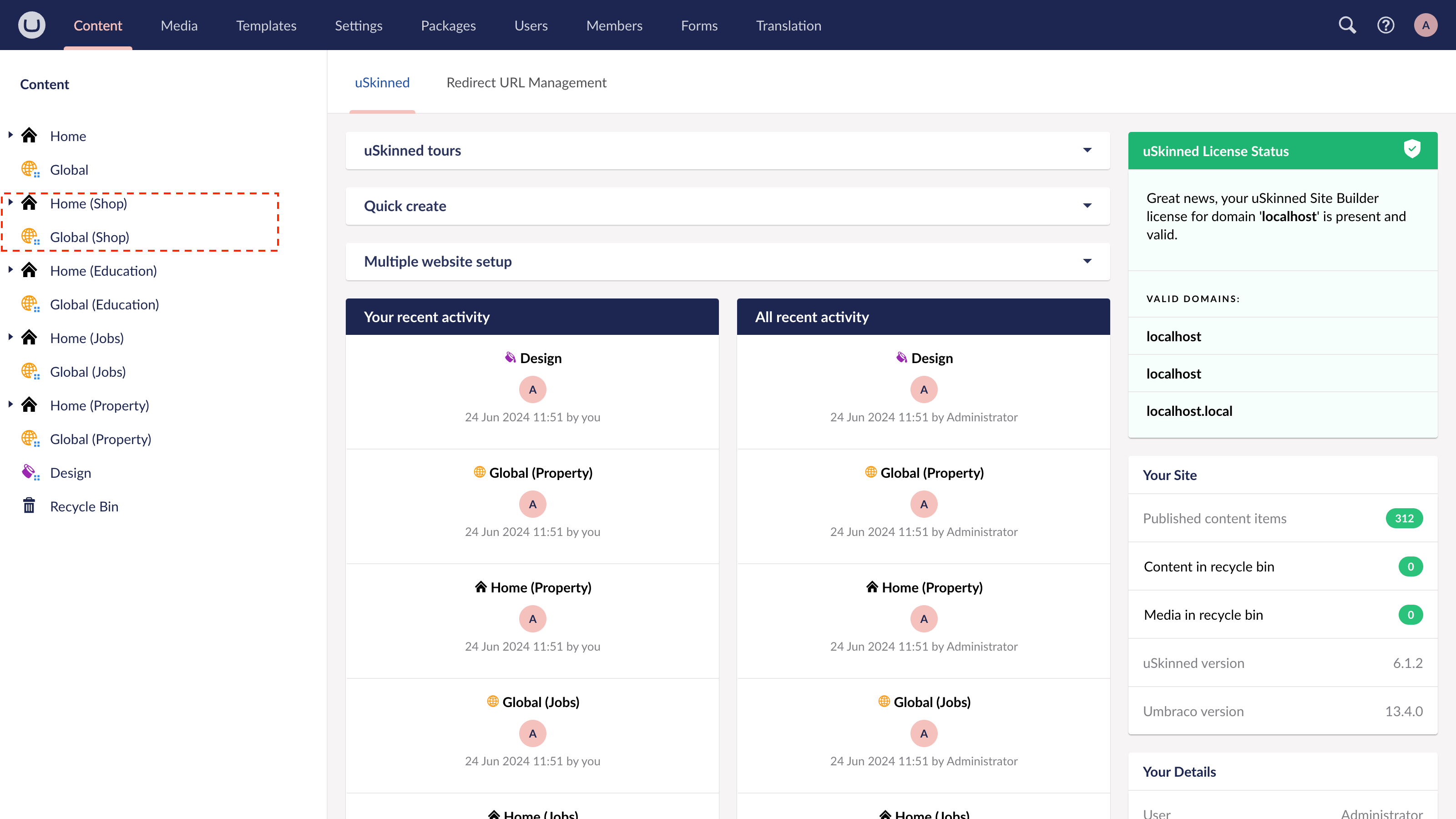
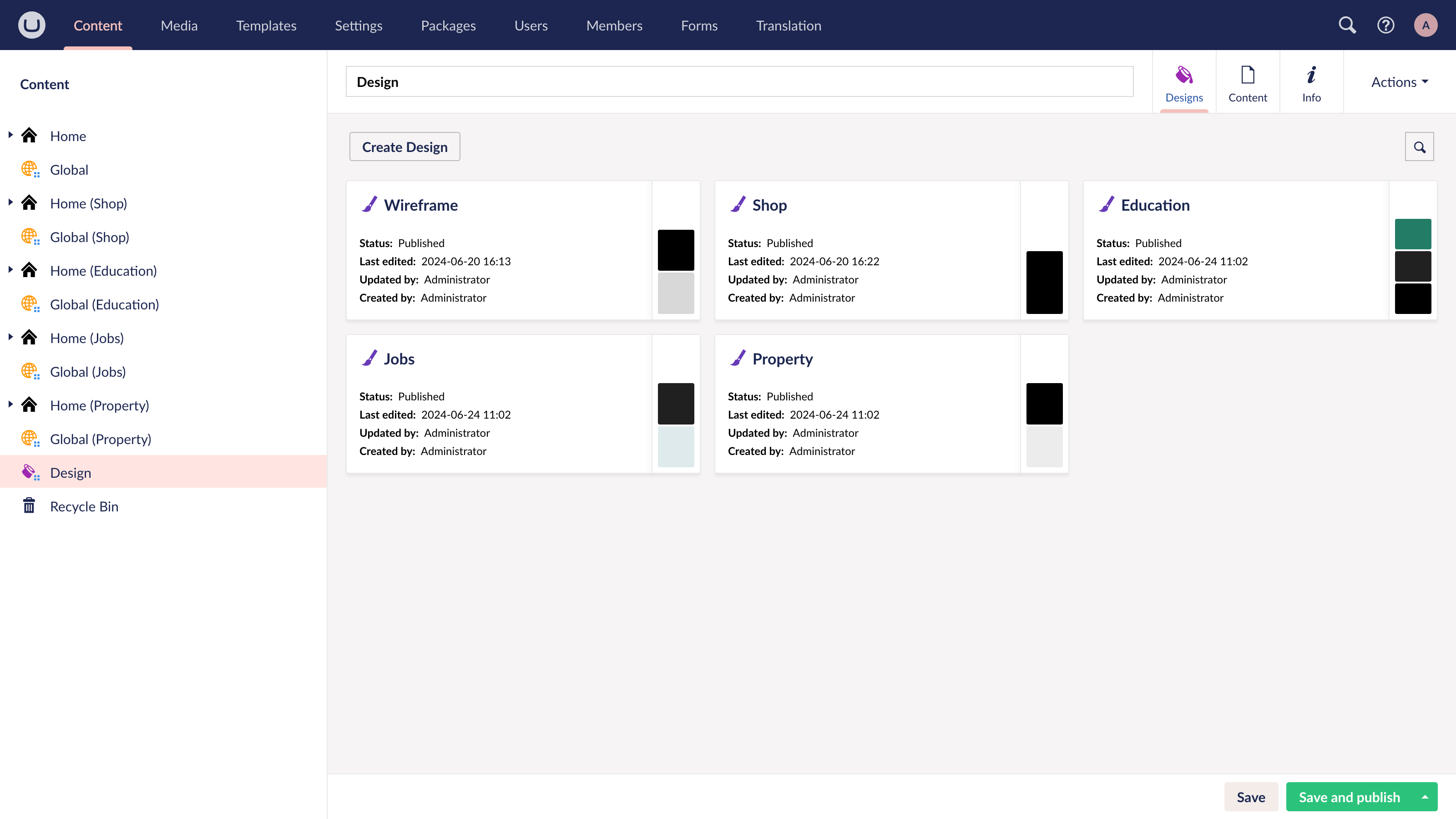
The above command will Install the Shop Starter Kit & Theme package. You can install any of our Starter Kit & Theme add-ons this way.
Here's the command for each Starter Kit & Theme:
Download Shop Starter Kit & Theme:
dotnet add package uSkinnedSiteBuilder.StarterKit.Shop
Download Education Starter Kit & Theme:
dotnet add package uSkinnedSiteBuilder.StarterKit.Education
Download Real Estate Starter Kit & Theme:
dotnet add package uSkinnedSiteBuilder.StarterKit.RealEstate
Download Job Board Starter Kit & Theme:
dotnet add package uSkinnedSiteBuilder.StarterKit.JobBoard
Download Public Sector Starter Kit & Theme:
dotnet add package uSkinnedSiteBuilder.StarterKit.PublicSector
Download Digital Agency Starter Kit & Theme:
dotnet add package uSkinnedSiteBuilder.StarterKit.DigitalAgency
Download SaaS & Startup Starter Kit & Theme:
dotnet add package uSkinnedSiteBuilder.StarterKit.SaaS
Download Travel Starter Kit & Theme:
dotnet add package uSkinnedSiteBuilder.StarterKit.TravelBlog
Download Cocina Starter Kit & Theme:
dotnet add package uSkinnedSiteBuilder.StarterKit.Cocina
Download Cafe Starter Kit & Theme:
dotnet add package uSkinnedSiteBuilder.StarterKit.Cafe
Download LaMaison Starter Kit & Theme:
dotnet add package uSkinnedSiteBuilder.StarterKit.LaMaison
Download Fitness Starter Kit & Theme:
dotnet add package uSkinnedSiteBuilder.StarterKit.Fitness
Download Dine Starter Kit & Theme:
dotnet add package uSkinnedSiteBuilder.StarterKit.Dine
Download Charity Starter Kit & Theme:
dotnet add package uSkinnedSiteBuilder.StarterKit.Charity
Download Accountant Starter Kit & Theme:
dotnet add package uSkinnedSiteBuilder.StarterKit.Accountant
Download Healthcare Starter Kit & Theme:
dotnet add package uSkinnedSiteBuilder.StarterKit.Healthcare
Download Brew Starter Kit & Theme:
dotnet add package uSkinnedSiteBuilder.StarterKit.Brew
Download Stag Starter Kit & Theme:
dotnet add package uSkinnedSiteBuilder.StarterKit.Stag
Download Energy Starter Kit & Theme:
dotnet add package uSkinnedSiteBuilder.StarterKit.Energy
Download Tradesperson Starter Kit & Theme:
dotnet add package uSkinnedSiteBuilder.StarterKit.Tradesperson
Download Conference Starter Kit & Theme:
dotnet add package uSkinnedSiteBuilder.StarterKit.Conference
Download Camper Starter Kit & Theme:
dotnet add package uSkinnedSiteBuilder.StarterKit.Camper
Download Prima Starer Kit & Theme:
dotnet add package uSkinnedSiteBuilder.StarterKit.Prima
Step 1 — B
Alternatively, you can install all Starter Kit & Theme packages at once.
dotnet add package uSkinnedSiteBuilder.StarterKit.Shop
dotnet add package uSkinnedSiteBuilder.StarterKit.Education
dotnet add package uSkinnedSiteBuilder.StarterKit.RealEstate
dotnet add package uSkinnedSiteBuilder.StarterKit.JobBoard
dotnet add package uSkinnedSiteBuilder.StarterKit.PublicSector
dotnet add package uSkinnedSiteBuilder.StarterKit.DigitalAgency
dotnet add package uSkinnedSiteBuilder.StarterKit.SaaS
dotnet add package uSkinnedSiteBuilder.StarterKit.TravelBlog
dotnet add package uSkinnedSiteBuilder.StarterKit.Cocina
dotnet add package uSkinnedSiteBuilder.StarterKit.Cafe
dotnet add package uSkinnedSiteBuilder.StarterKit.LaMaison
dotnet add package uSkinnedSiteBuilder.StarterKit.Fitness
dotnet add package uSkinnedSiteBuilder.StarterKit.Dine
dotnet add package uSkinnedSiteBuilder.StarterKit.Charity
dotnet add package uSkinnedSiteBuilder.StarterKit.Accountant
dotnet add package uSkinnedSiteBuilder.StarterKit.Healthcare
dotnet add package uSkinnedSiteBuilder.StarterKit.Brew
dotnet add package uSkinnedSiteBuilder.StarterKit.Stag
dotnet add package uSkinnedSiteBuilder.StarterKit.Energy
dotnet add package uSkinnedSiteBuilder.StarterKit.Tradesperson
dotnet add package uSkinnedSiteBuilder.StarterKit.Conference
dotnet add package uSkinnedSiteBuilder.StarterKit.Camper
dotnet add package uSkinnedSiteBuilder.StarterKit.Prima