
How to manage Reseller Memberships
Use this guide to manage your Reseller Membership Subscription.
Step 1
Go to the uSkinned customer portal and log in.
Step 2
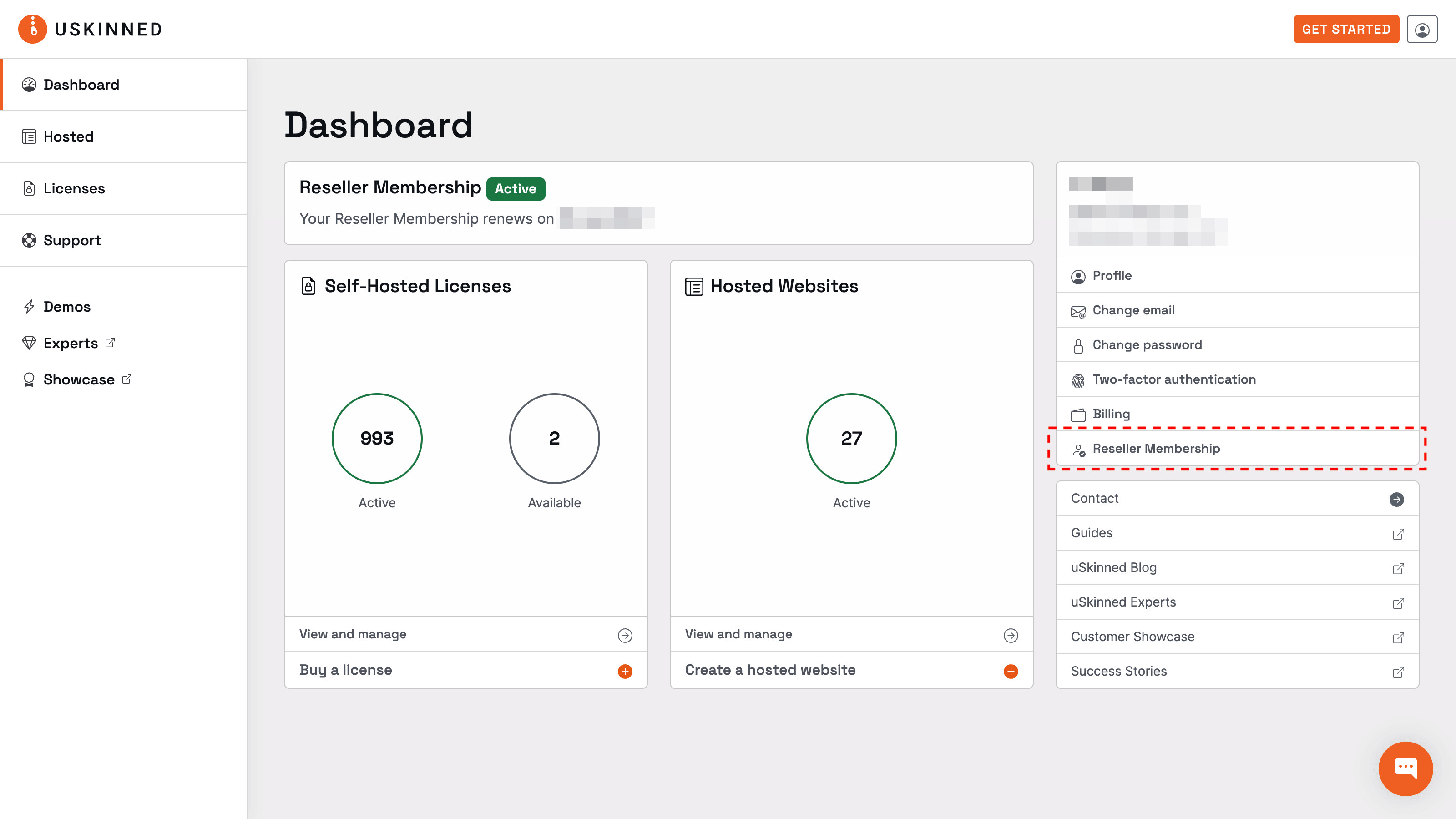
From the uSkinned customer portal, you can use the link on the dashboard or the User Navigation in the top-right corner.
Step 3
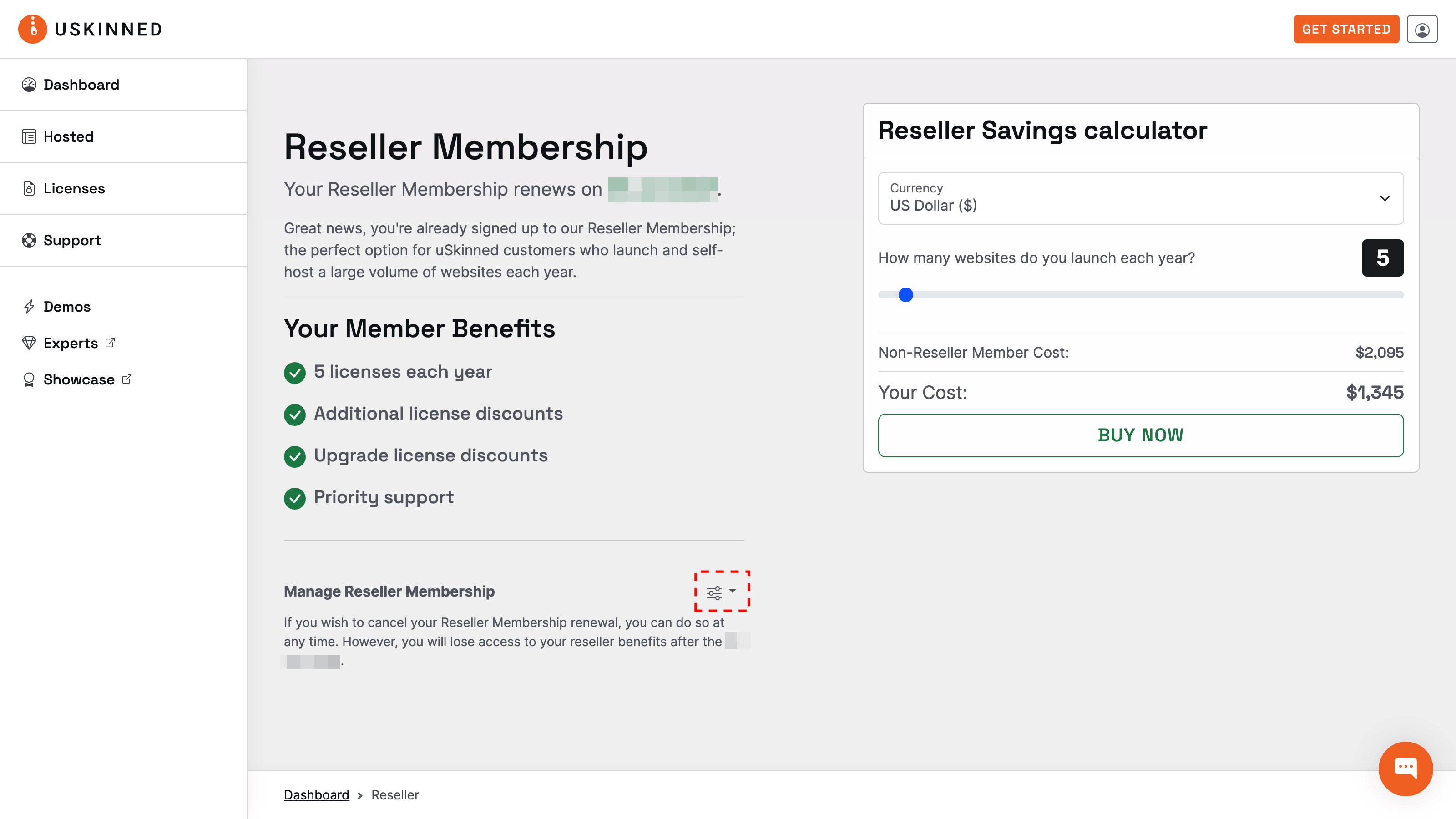
Locate the 'Manage Reseller Membership' actions menu.
Step 4
You will see a list of options to manage your membership, including how to cancel your Reseller Membership.
#h5yr
If you run into any issues, contact support.
Related content
Step 3
Create
Create content with the Visual Editor and utilise built-in eCommerce and integrations.
Step 4
Go Live
You can host securely on Azure with uSkinned Hosted, or go your own way with a Self-Hosted license.
